If content on your TV is cut off like in the picture below, your Overscan settings likely aren't set correctly.
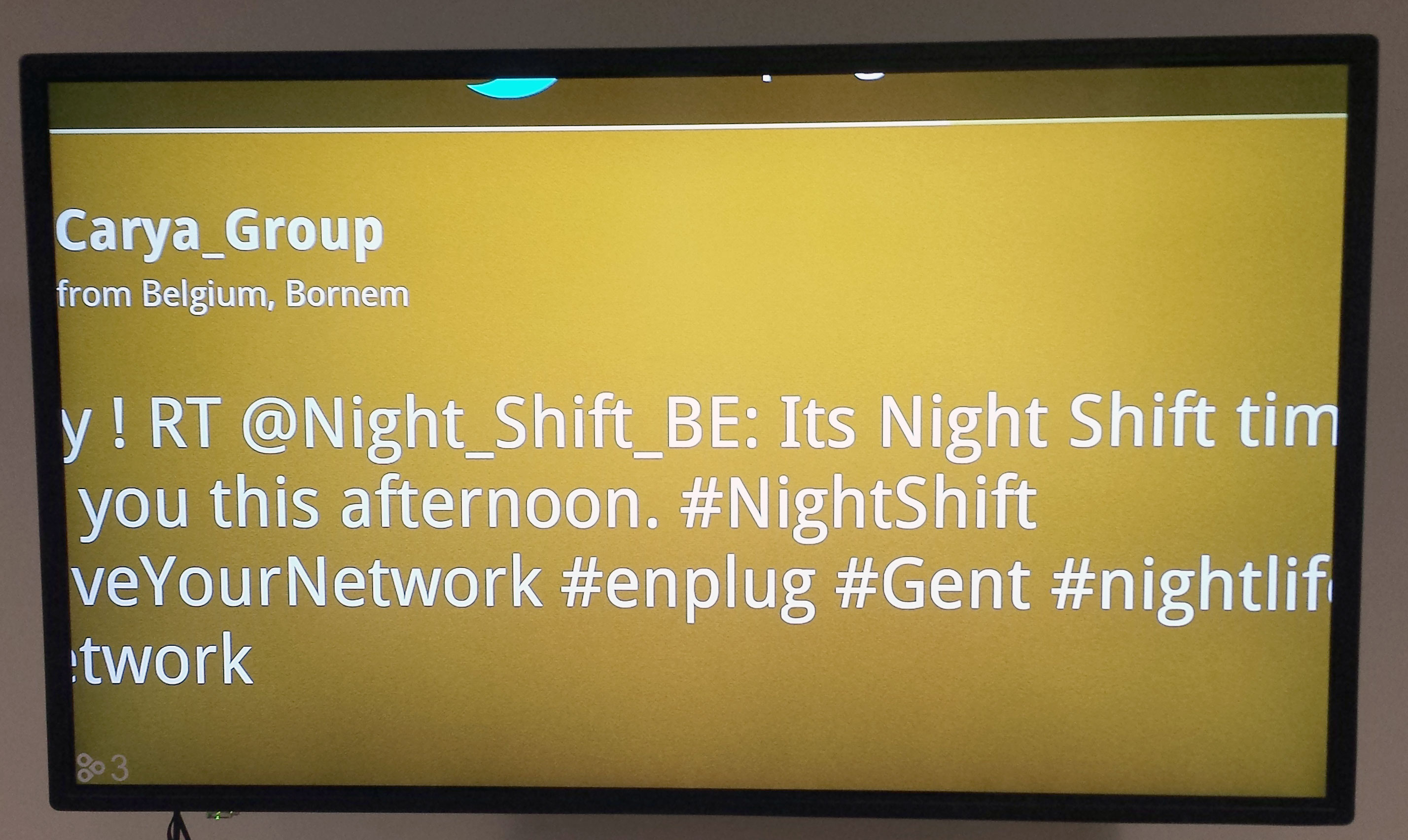
Most TVs have a Picture Size option in the Settings menu. This could also be under Screen Size, Aspect, or Zoom.
To get the entire your entire image on screen, this should be set to 16:9, Full, 100%, or Scan.
For questions or concerns, please reach out to our Support Team at support@spectrio.com.